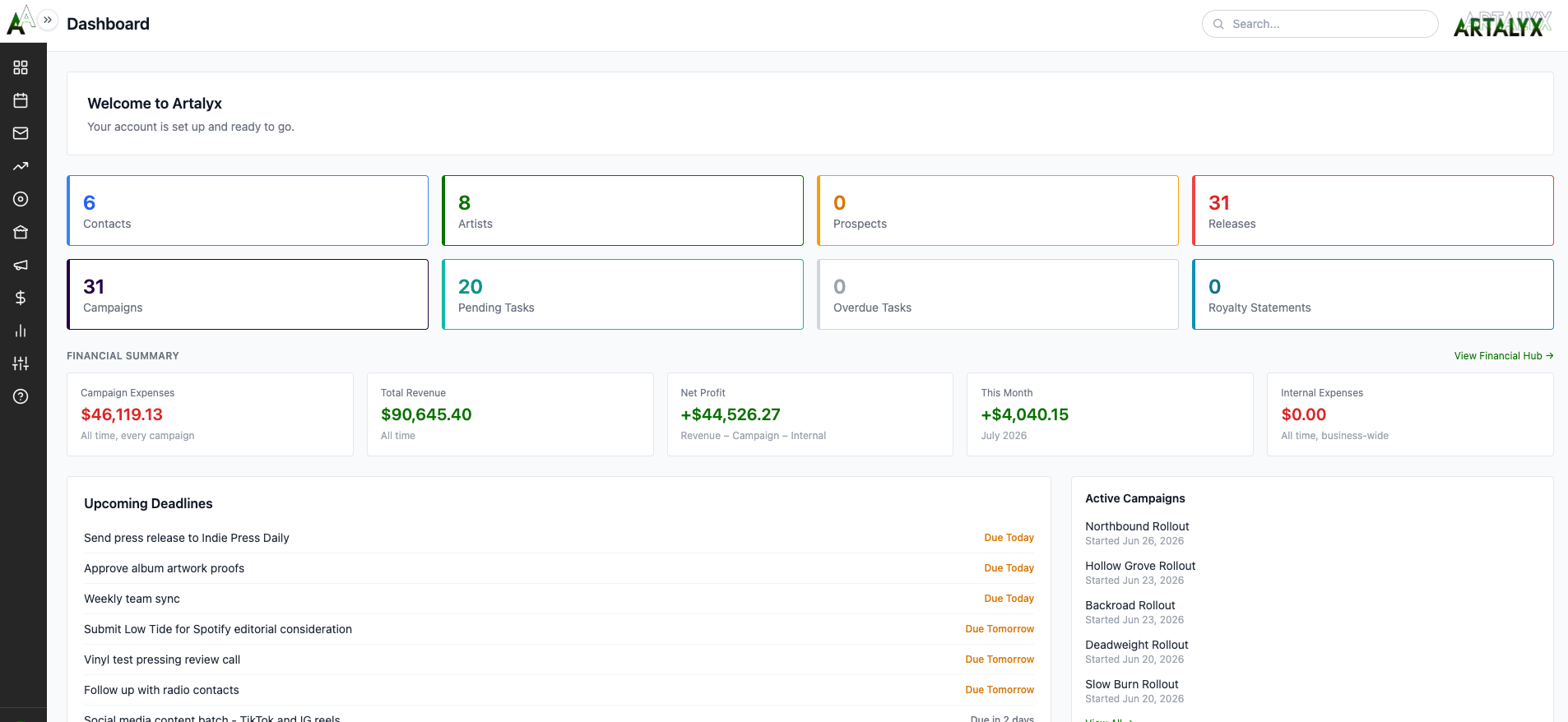
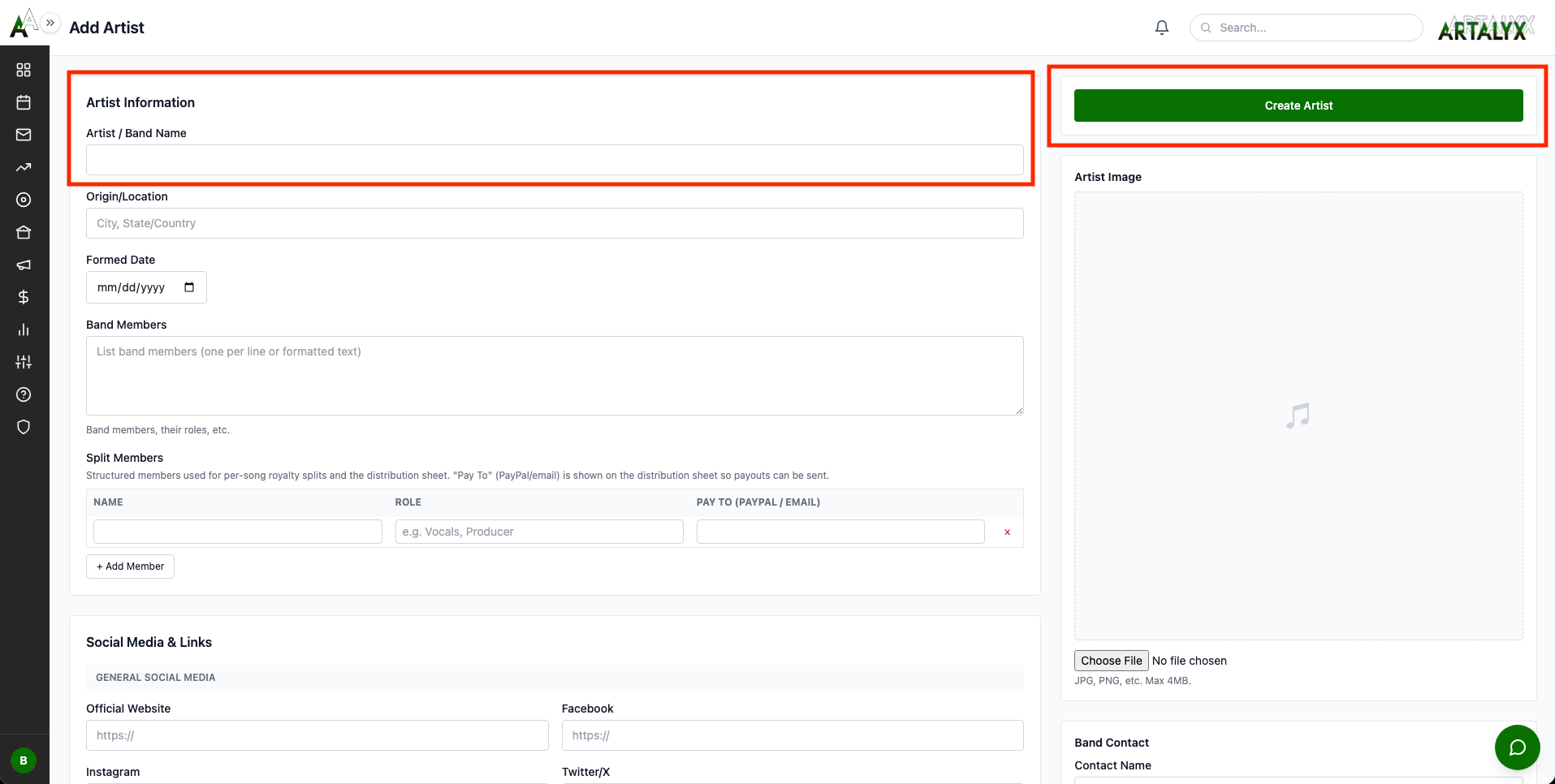
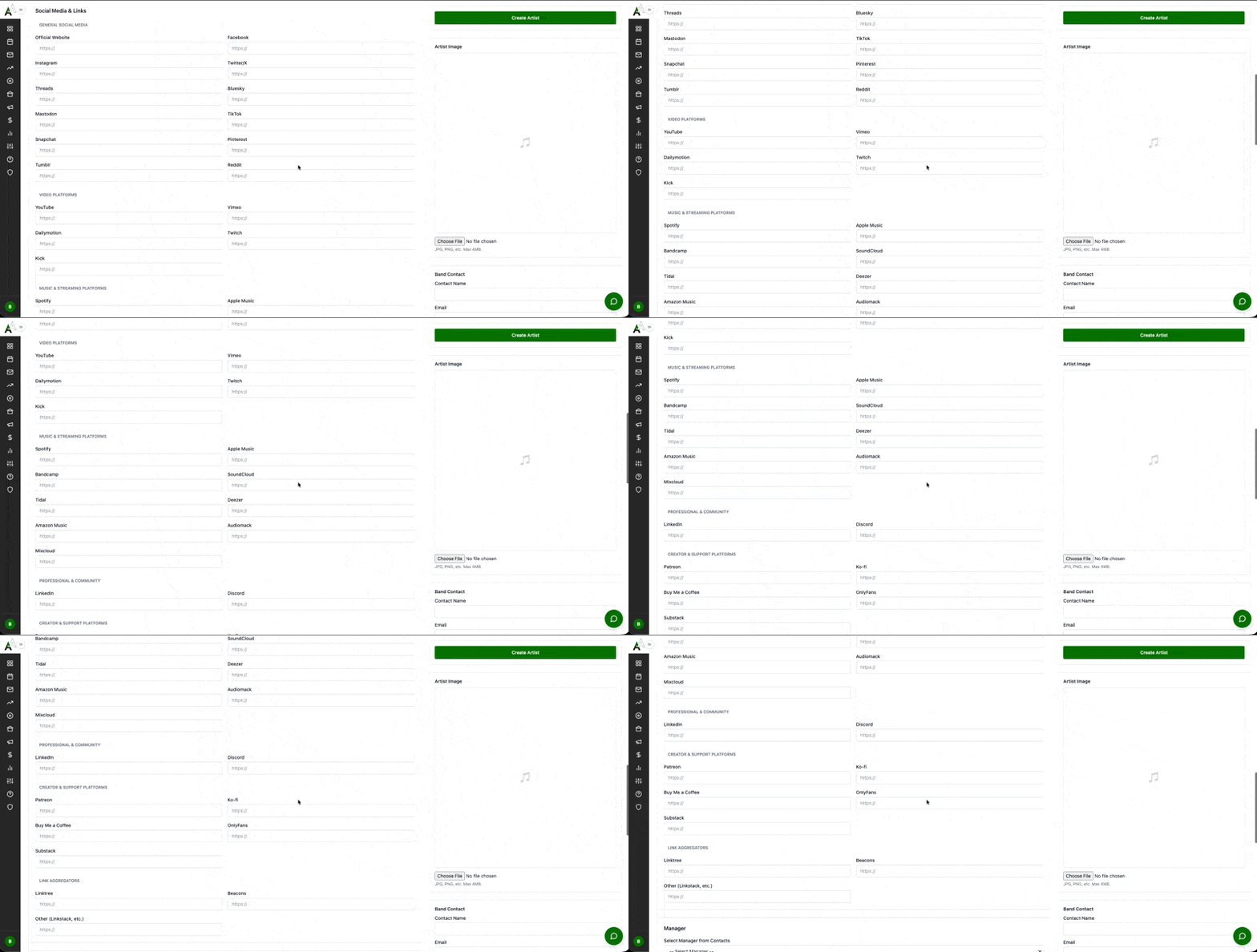
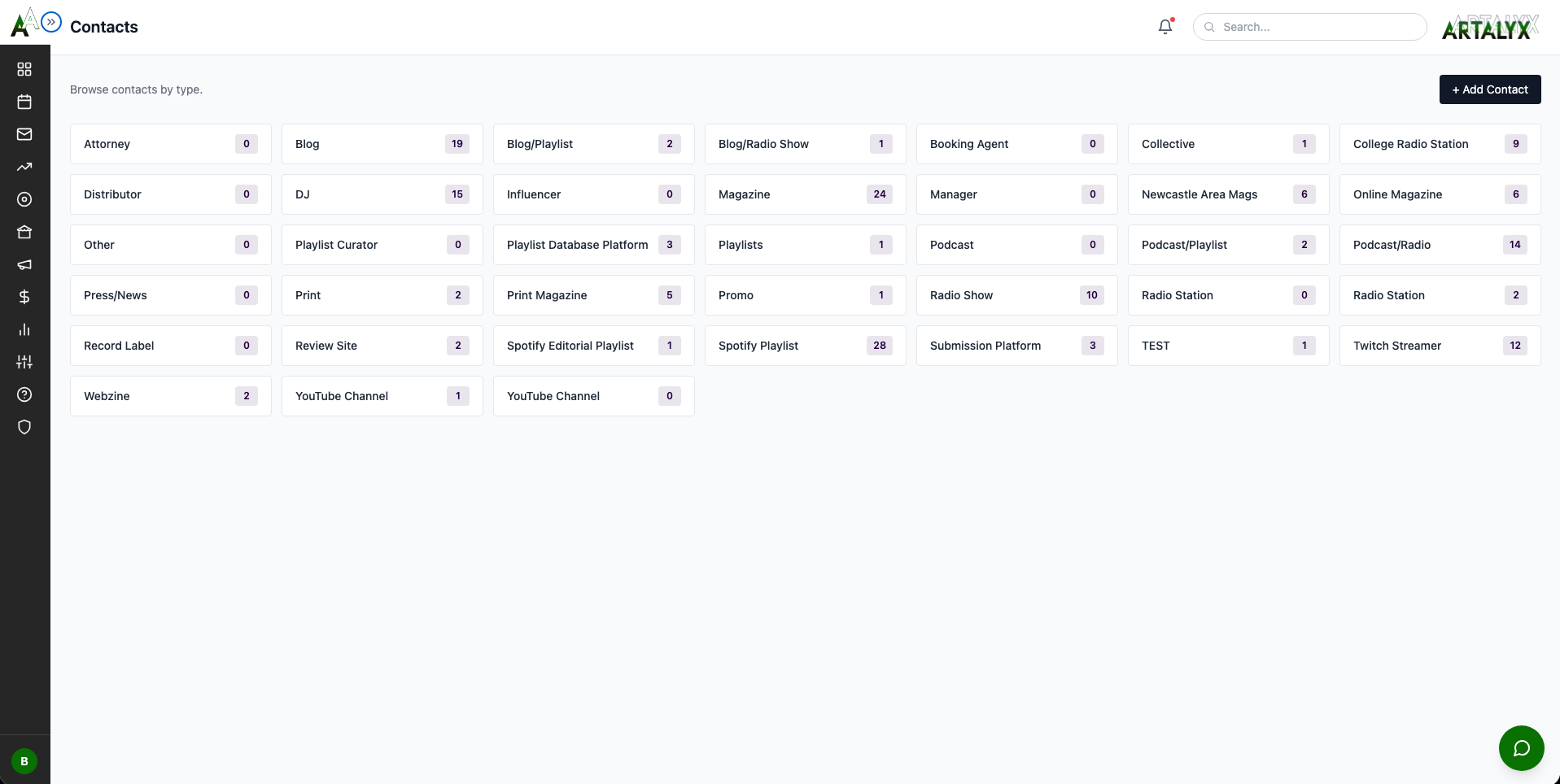
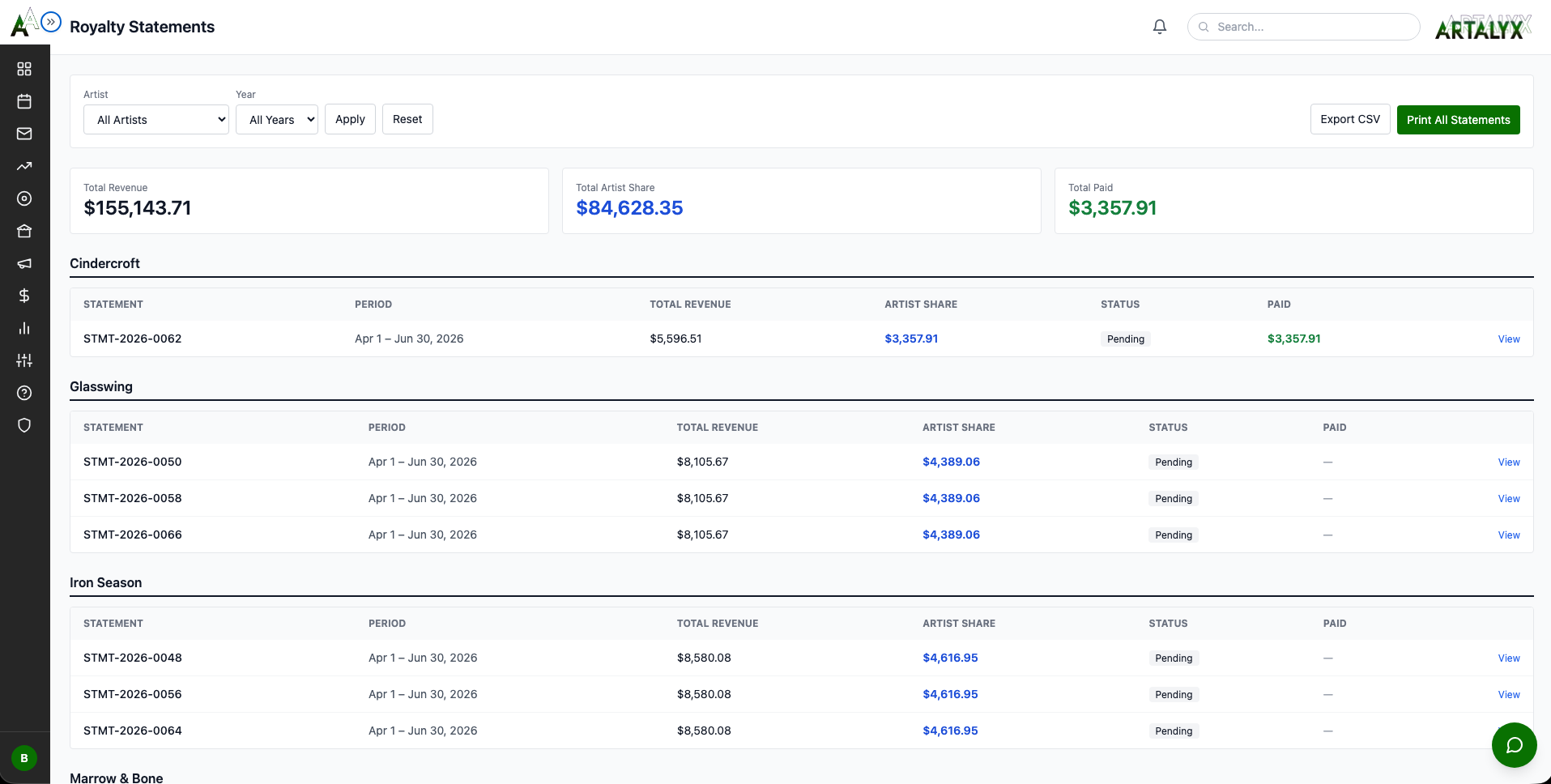
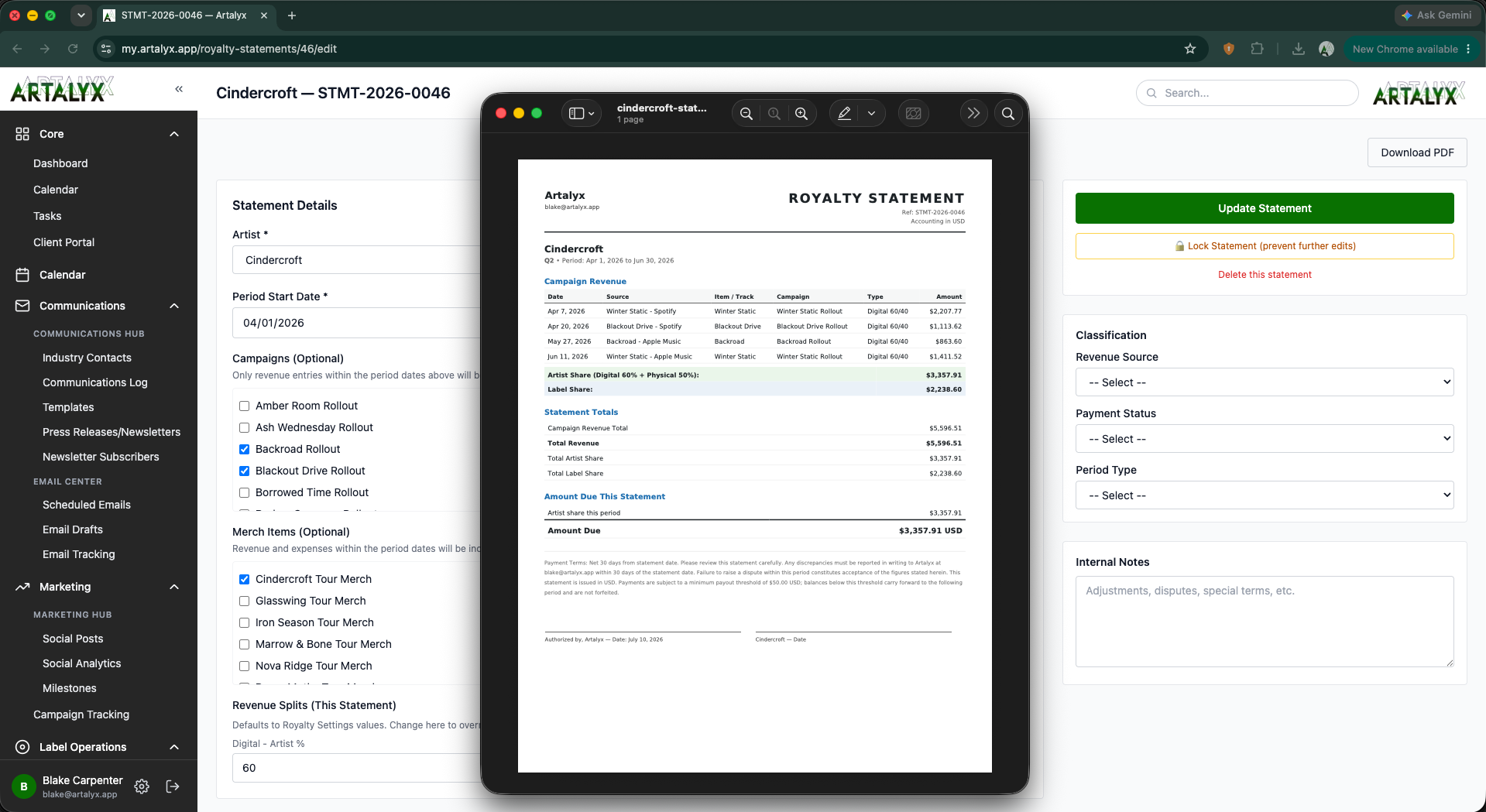
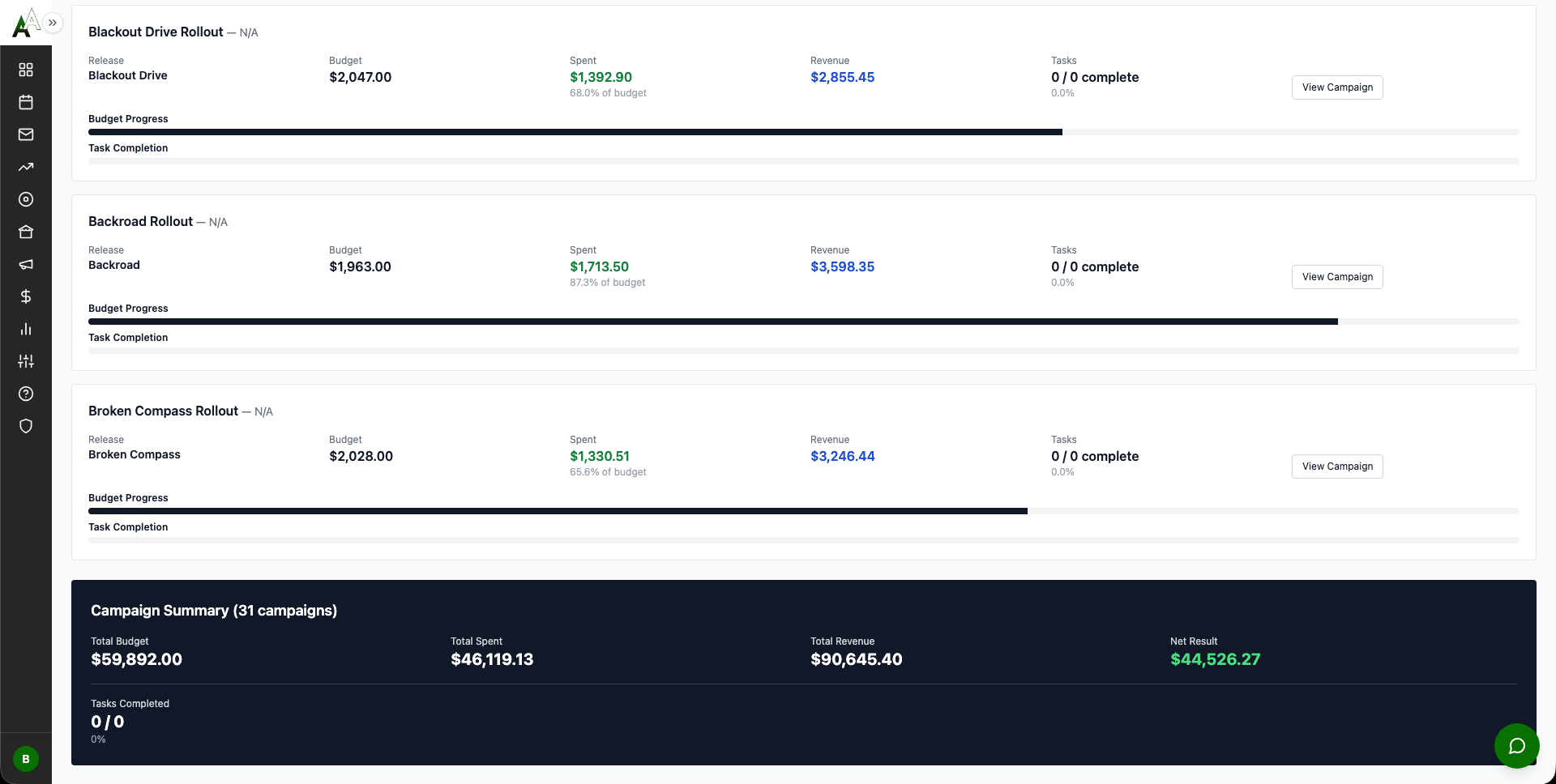
Welcome! This comprehensive interactive guide covers every feature in Artalyx with real-world scenarios and step-by-step instructions. Check off each step as you complete it, your progress saves automatically in your browser. Click any image to view full-size.
What Artalyx Includes:
Complete campaign and contact management
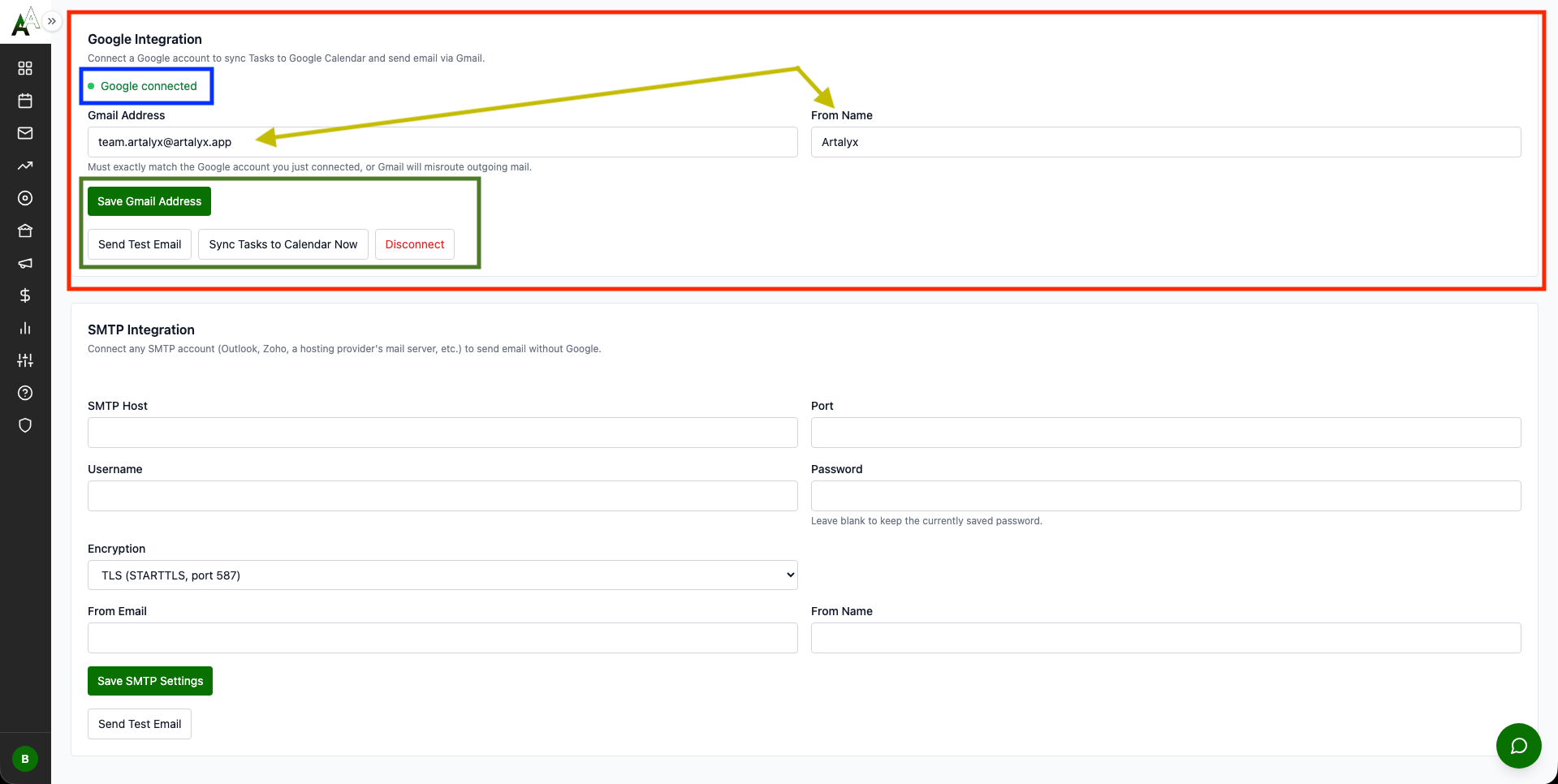
Gmail OAuth integration, no Google Cloud setup required
Full royalty statement system with professional printed output
Financial Hub with revenue, expense, and merch tracking
Newsletter system with subscriber management
Clean, card-based hub navigation
Automatic Google Calendar sync (one-directional, Artalyx to Google)
SCENARIO: You just signed up and need to set up your label
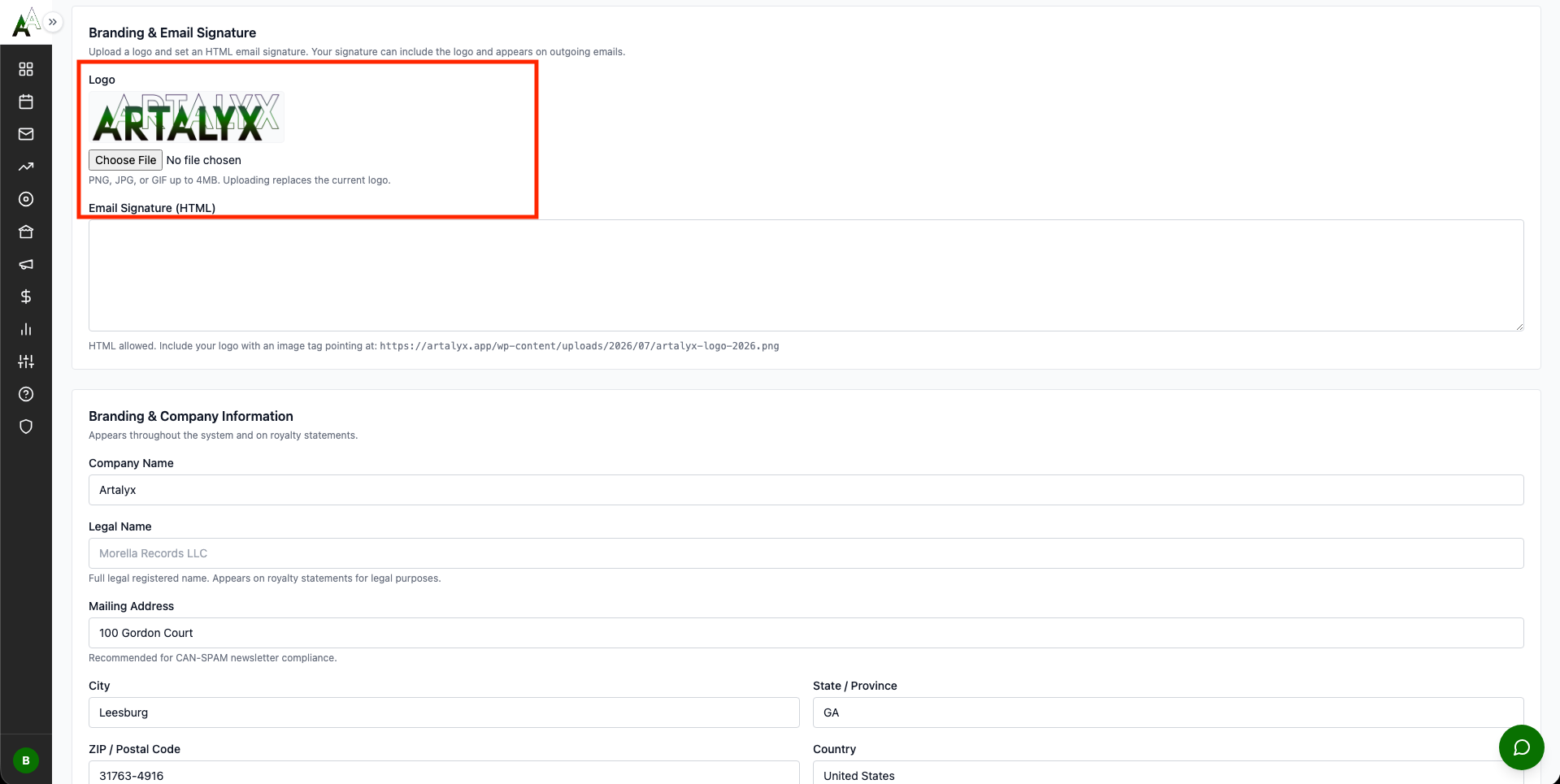
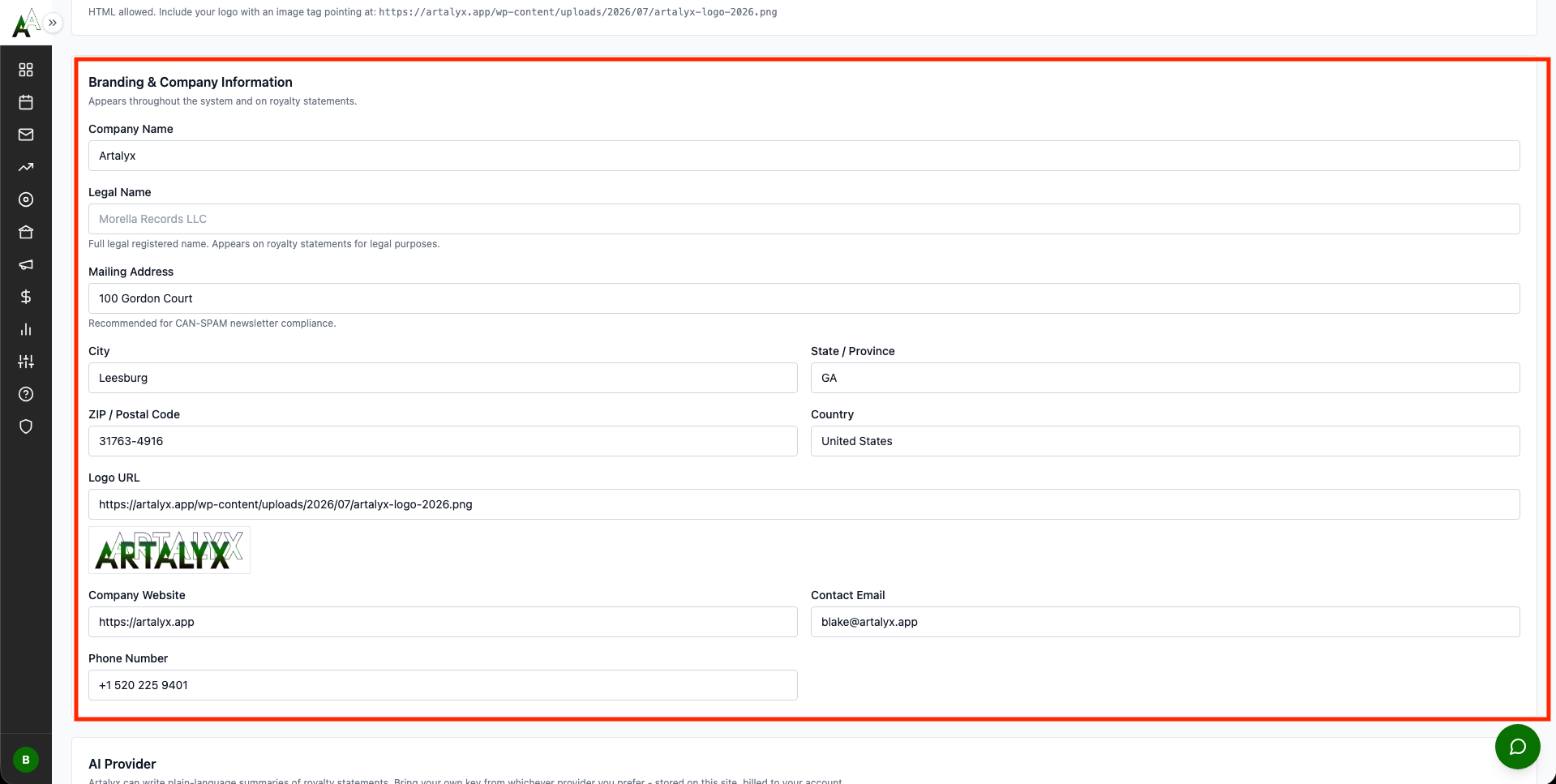
Step 1: Configure Basic Branding
Step 2: Set Up Email Sending (CRITICAL)
Choose One Method:
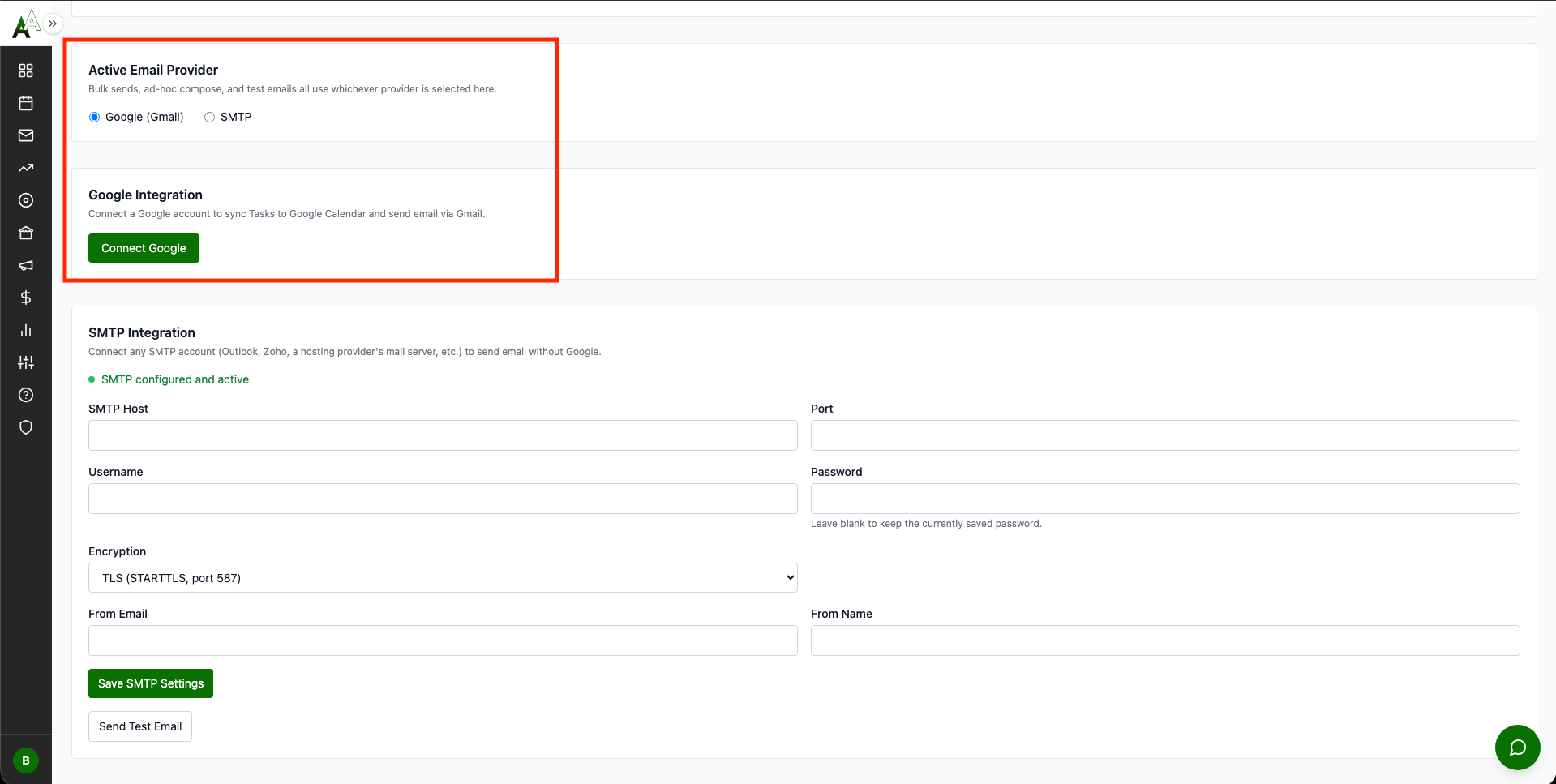
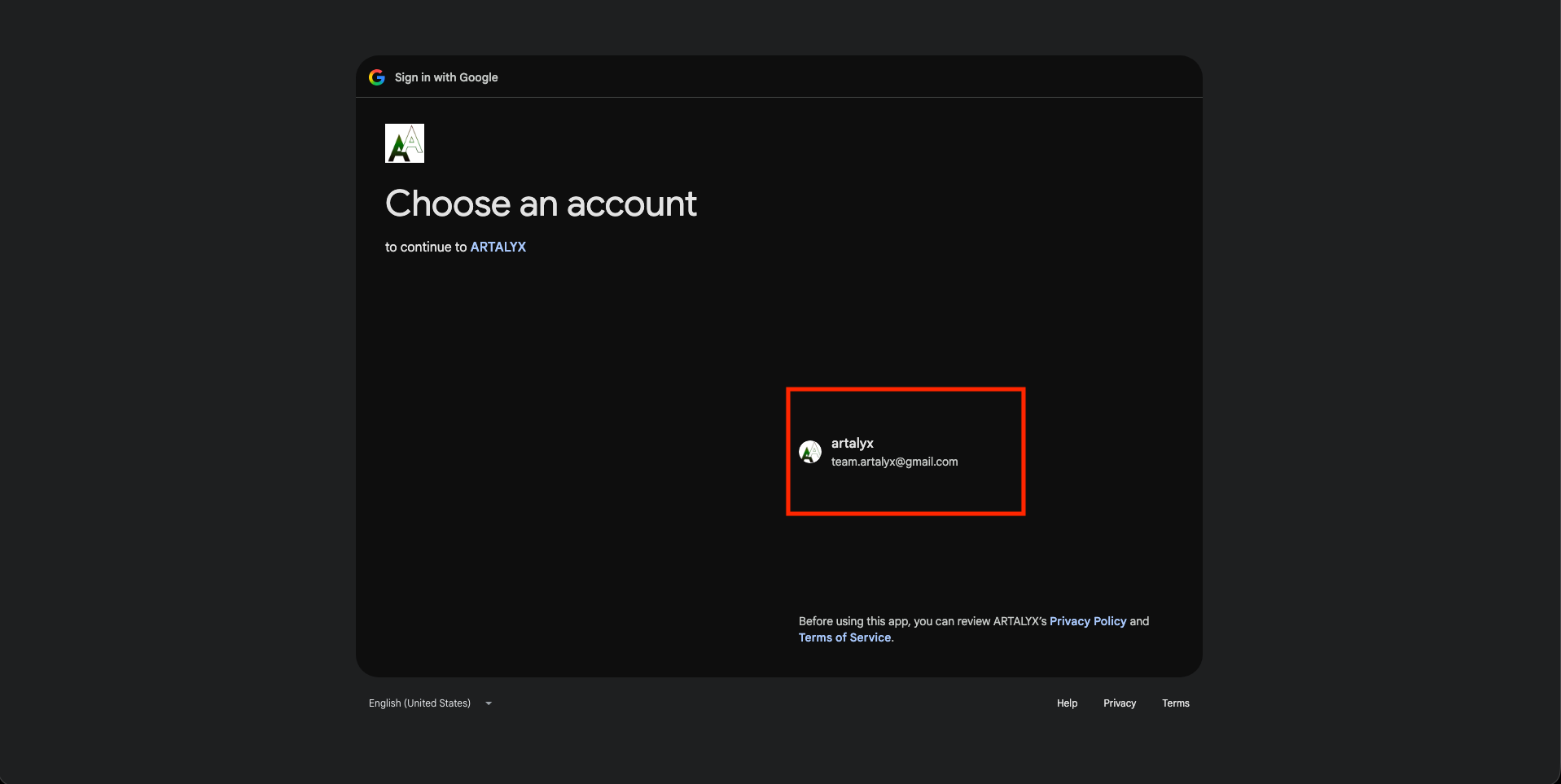
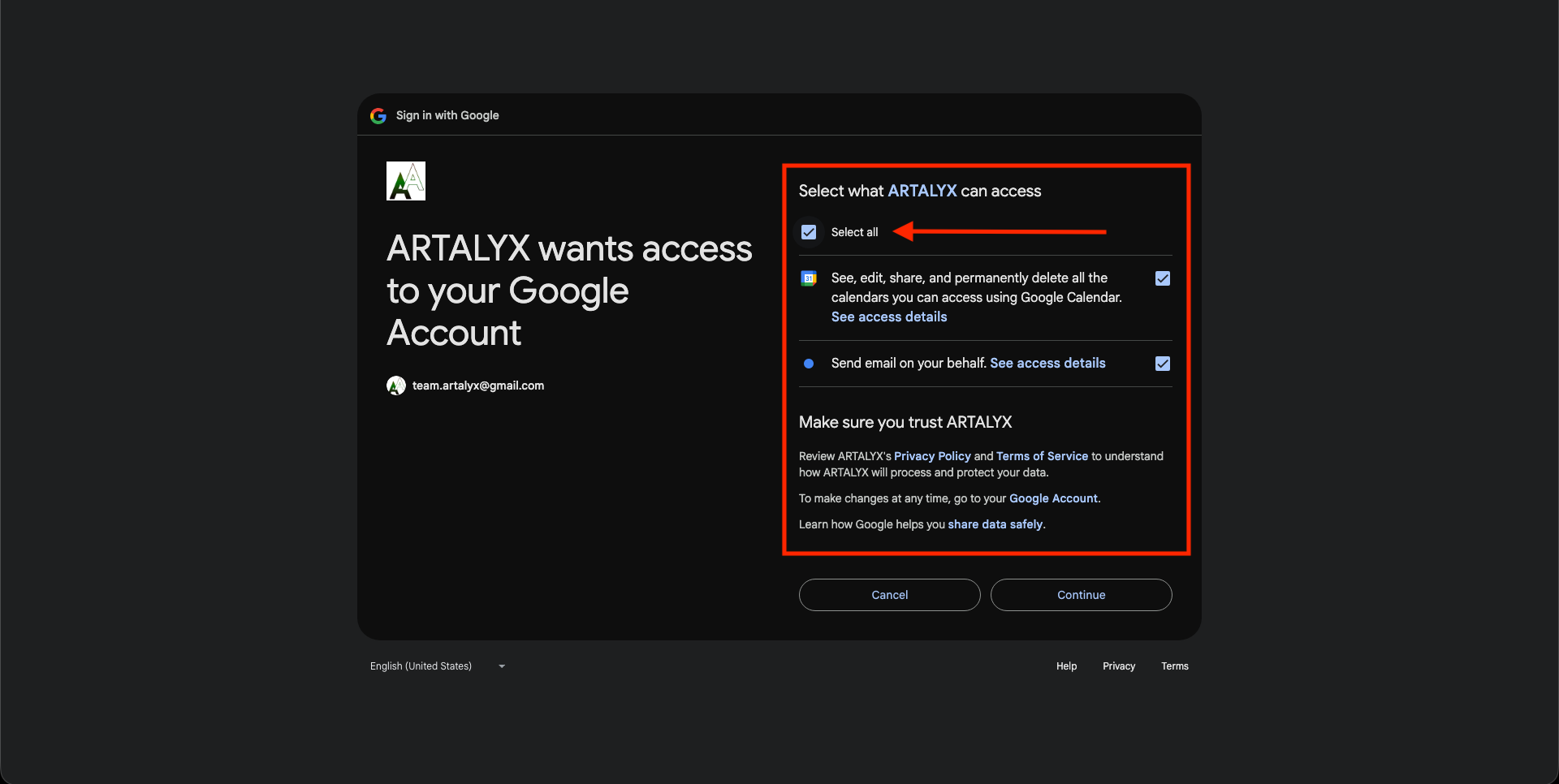
Method 1: Gmail OAuth (RECOMMENDED)
Artalyx is Google Verified. You do NOT need to create a Google Cloud project, generate API keys, or enter a Client ID or Client Secret. OAuth credentials are built into the platform.
OAuth Auto-Refresh!
Tokens auto-refresh during normal use. You will not need to re-authorize under normal circumstances. If you ever see "Token Expired" status, use "Clear Tokens & Retry" in Settings, General.
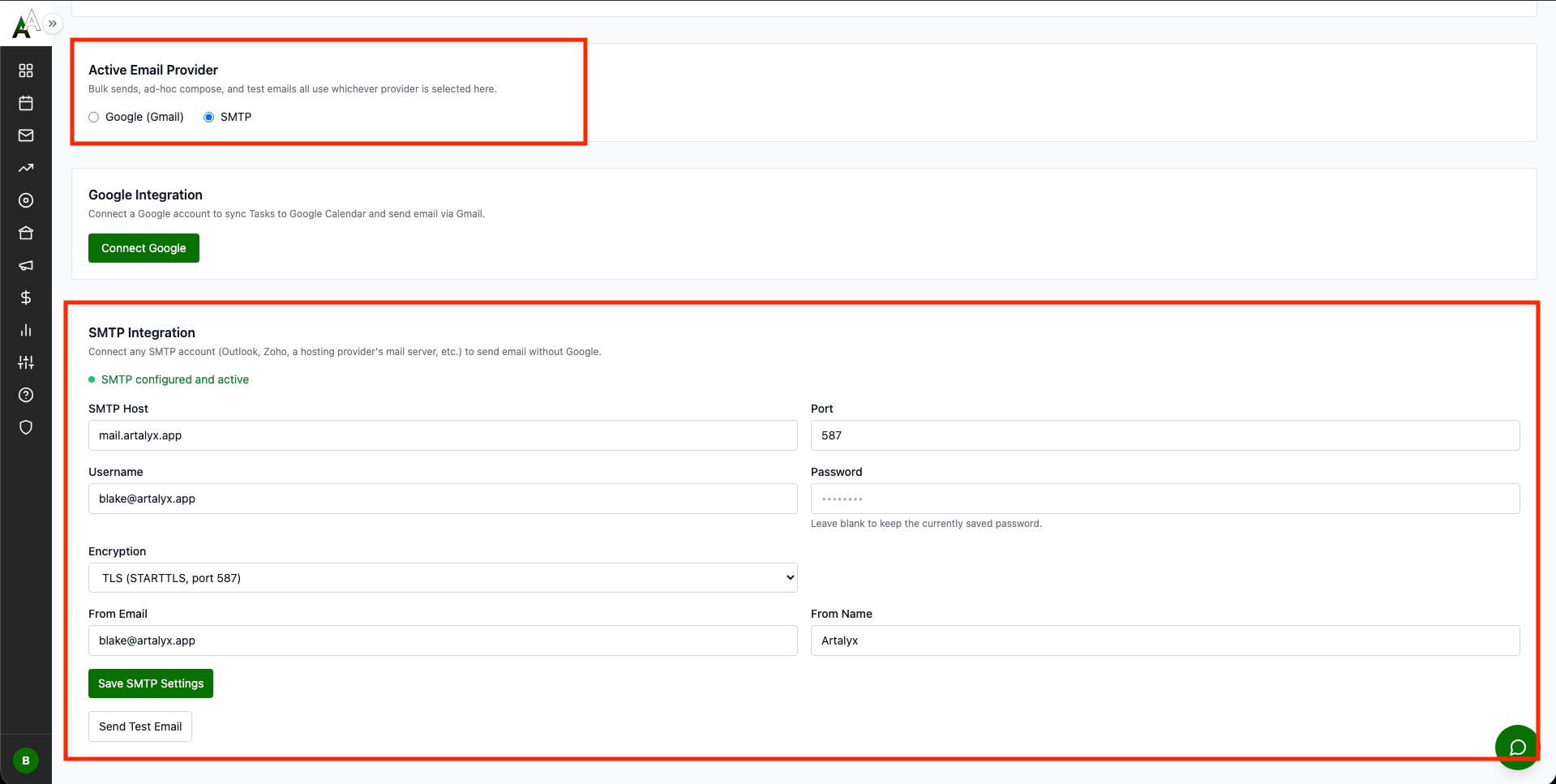
Method 2: SMTP (Alternative)
Email Configuration Screenshots
Gmail OAuth and SMTP are both configured from Settings, General, click to enlarge
Step 3: Google Calendar is Already Connected
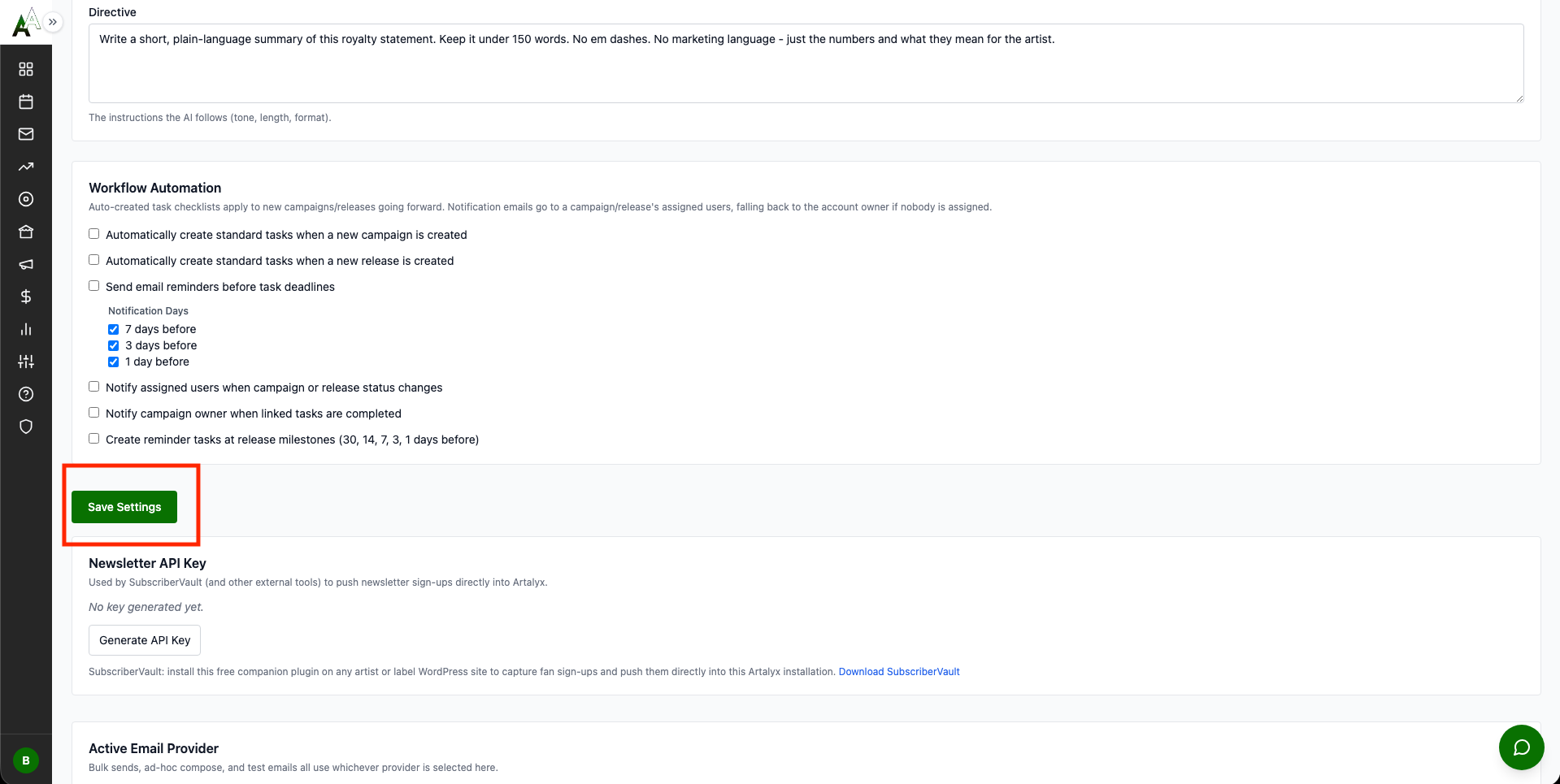
Step 4: Enable Workflow Automation (OPTIONAL)
Setup Complete! You now have:
Company identity filled in (prints on royalty statements)
Email system working and tested
Calendar sync confirmed
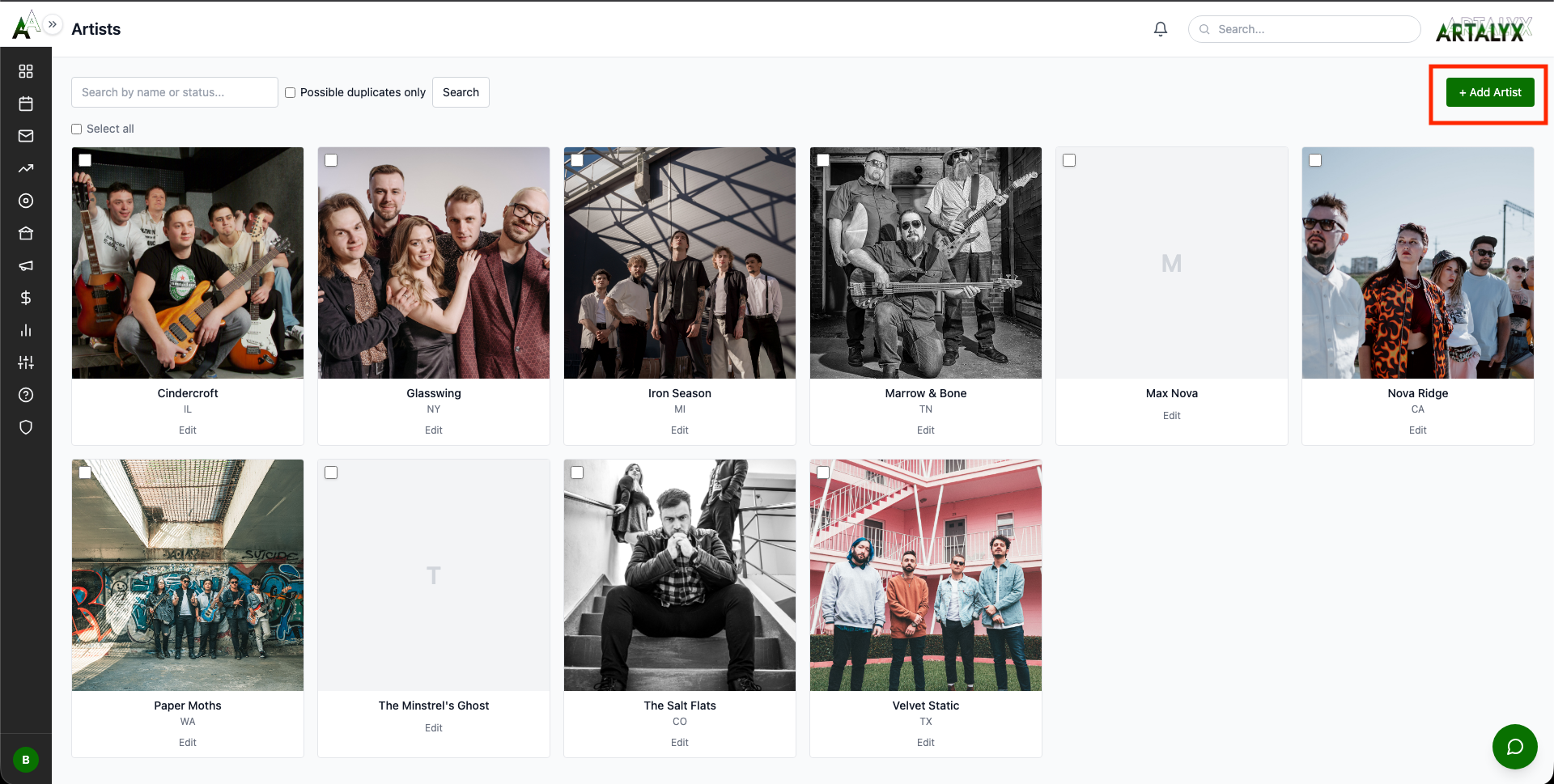
Ready to add your first artist
Ready to Start Using Artalyx?
Get instant access and start managing your music business like a pro.
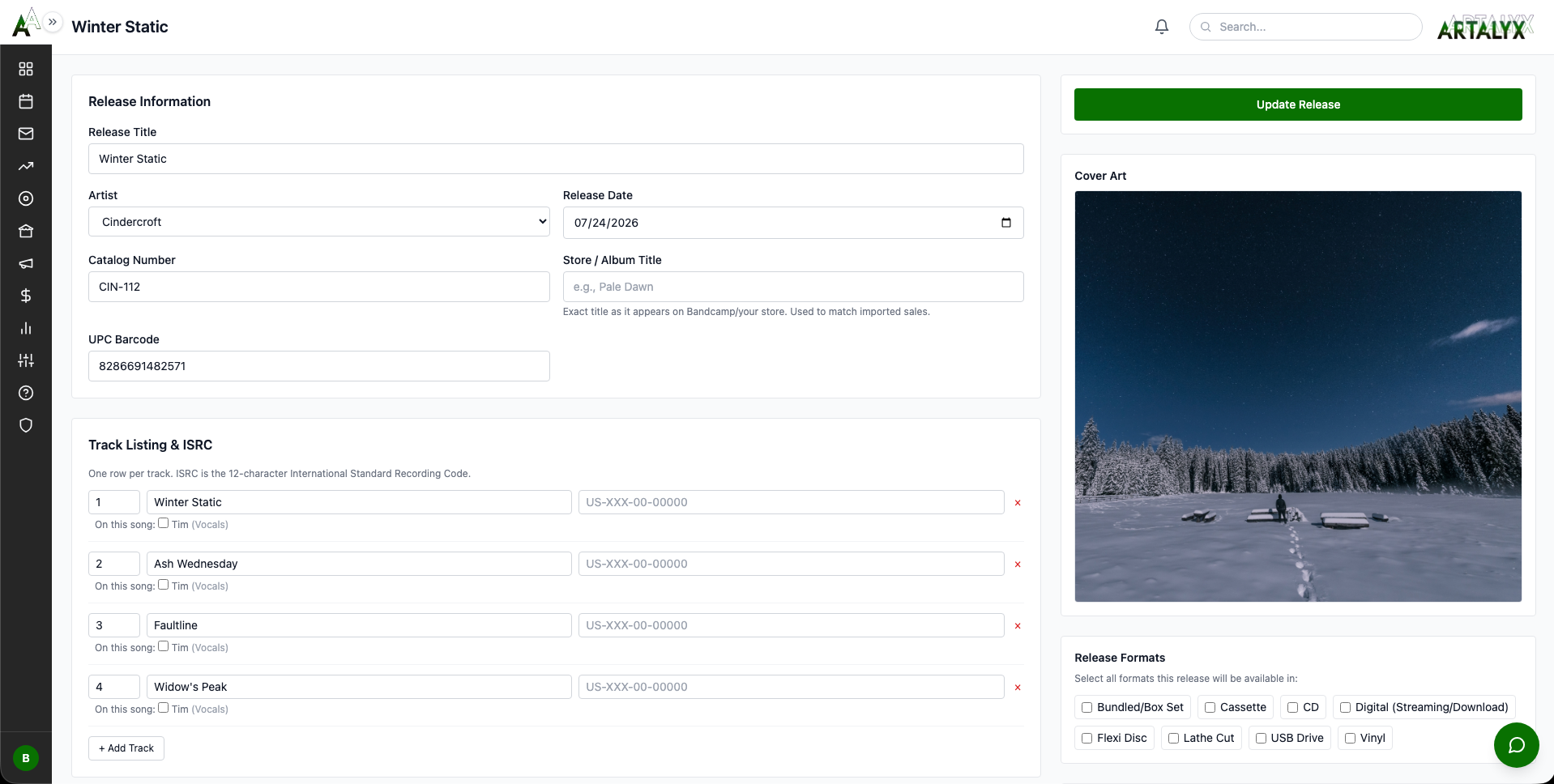
SCENARIO: Cindercroft is releasing their debut album "Winter Static"
Key Features Covered: Tracklist with ISRCs, multiple formats (Digital/CD/Vinyl/Cassette), distribution tracking, manufacturing orders, credits and splits, streaming links
Essential Steps:
5. CAMPAIGN SYSTEM ~20 minutes
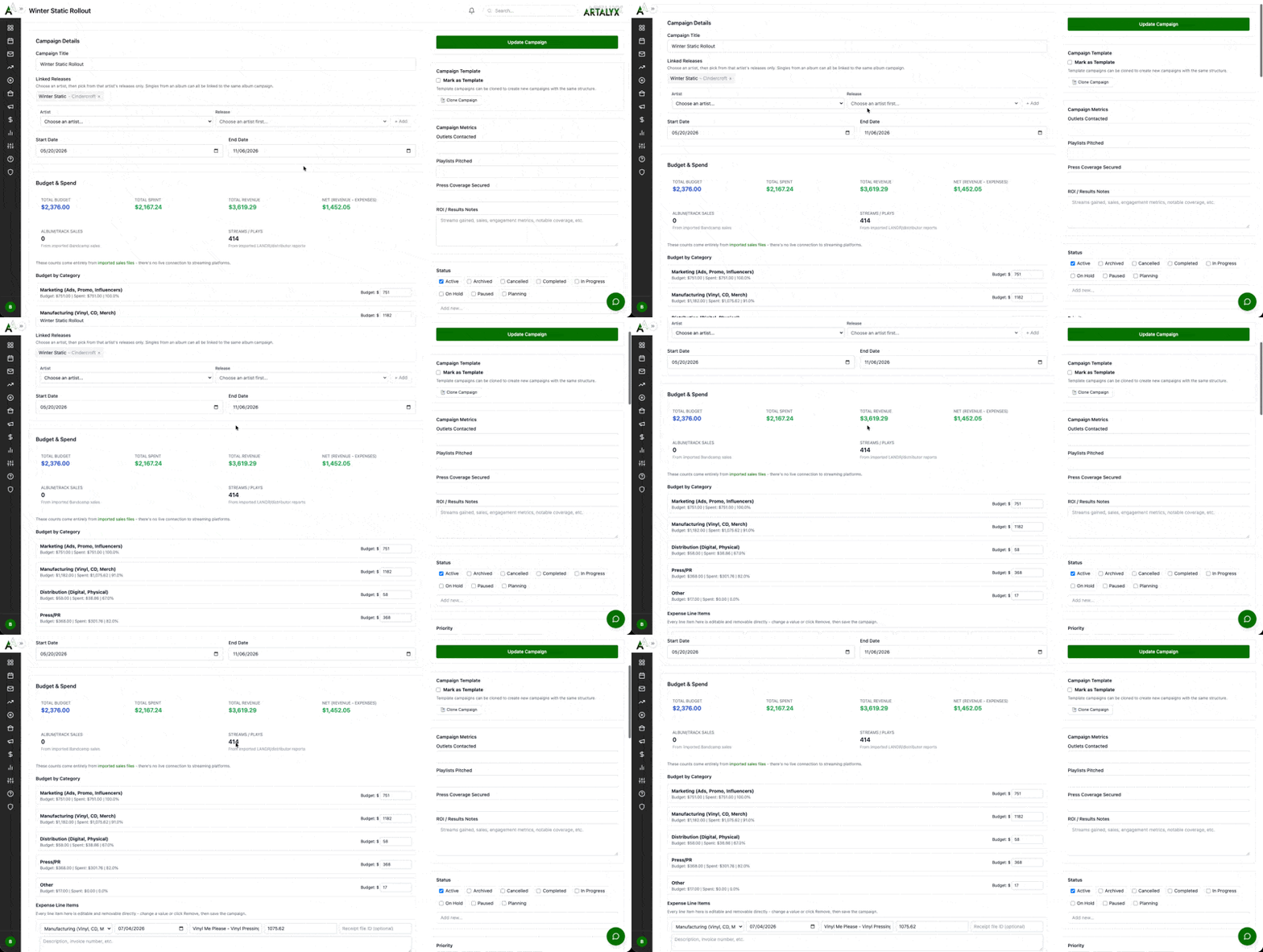
SCENARIO: Creating promotional campaign for "Winter Static" album
Campaign Setup Steps:
Revenue Entries & Royalties: Every revenue entry you add to a campaign (digital streaming, physical sales, sync fees) can be pulled into a royalty statement later. Always fill in the Item / Track field so artists can see exactly which song or format generated each dollar on their printed statement.
See Artalyx in Action
Over 20 modules working together seamlessly. No more spreadsheets and chaos.
Pro Tip: Use Email Drafts to prepare multiple pitches ahead of time, then use Scheduled Emails to send them at optimal times. Tuesday through Thursday, 10am to 2pm consistently delivers the highest open rates.
8. PRESS RELEASES & NEWSLETTERS ~15 minutes
SCENARIO: Capturing fan sign-ups from your artist sites and building your first press release with the drag-and-drop builder
Step 1: Set Up SubscriberVault on Your Artist/Label Sites
One key, unlimited sites: The same Artalyx API key works across all your artist and label sites. Each site just needs its own Subscriber List Name so you can tell the audiences apart.
Step 2: Add Industry Contacts to the Newsletter List
Step 3: Build a Press Release or Newsletter with the Block Builder
Real-time canvas: The builder shows real width, background color, fonts, spacing, and full-size images as you edit, not a generic form. Autosave runs every 30 seconds once the record has been saved once, with a timestamp shown next to Preview.
Step 4: Send It
Empty sends are blocked: Sending checks that a Builder-mode press release or newsletter has content in at least one block first, and refuses with a message if it's empty. A half-finished draft can still be saved, just not sent blank.
9. MEDIA PITCHES ~10 minutes
10. PRESS RELEASE TRACKING ~8 minutes
What This Module Does: The Press Releases module is a tracking tool. You write your press release in your preferred tool (Word, Google Docs, etc.), then create a record in Artalyx to log distribution details, track which outlets you sent it to, and record coverage results that come back. It keeps your PR history organized alongside your campaigns.
Creating a Press Release Record
Logging Distribution
Tracking Results
Professional Label Management
Everything you need to run a record label or promotion company in one platform.
Quarterly Schedule: Q1 statements due April 30 | Q2 due July 31 | Q3 due October 31 | Q4 due January 31
12. FINANCIAL HUB & EXPENSE TRACKING ~15 minutes
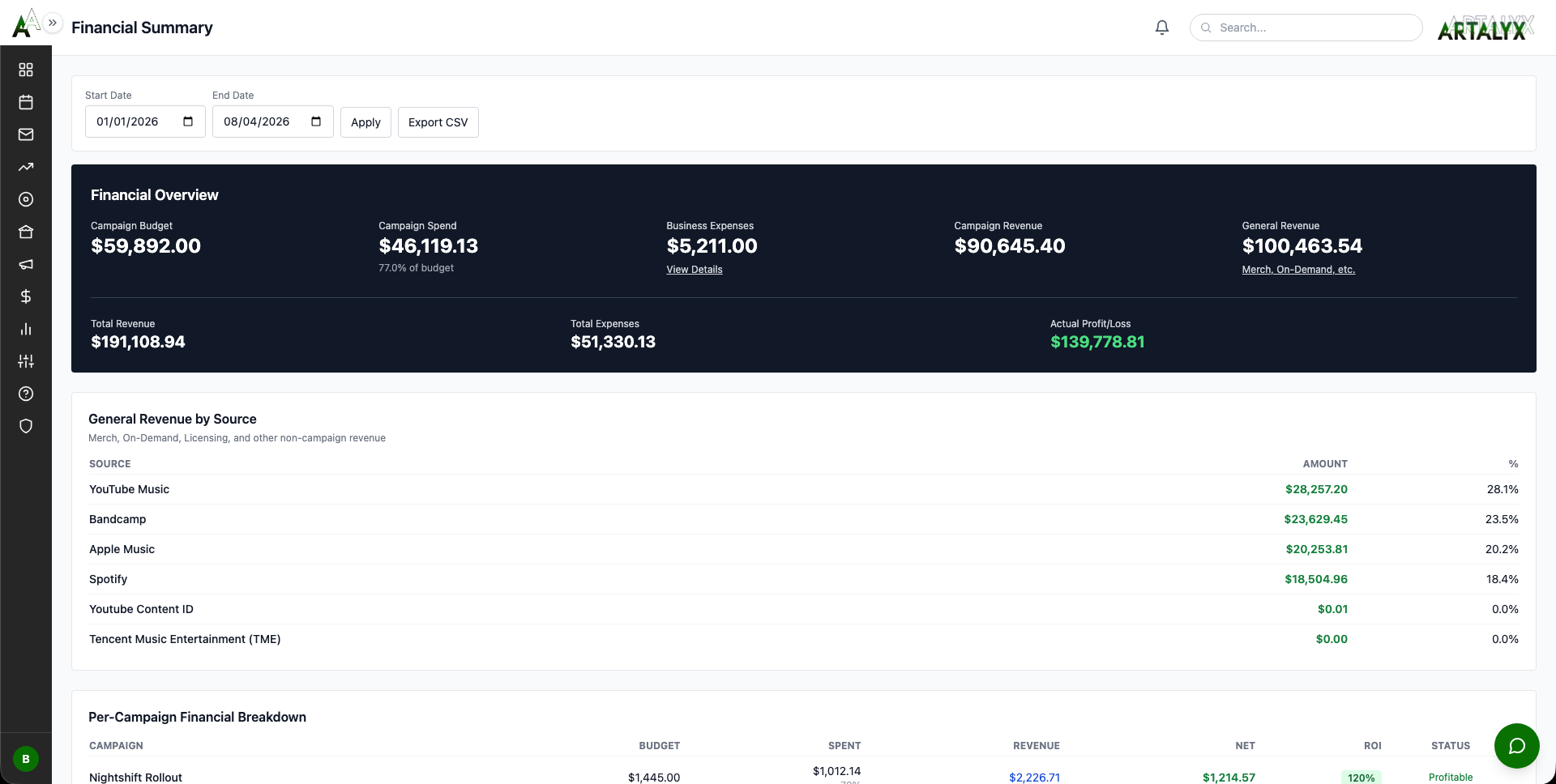
Financial Hub Overview
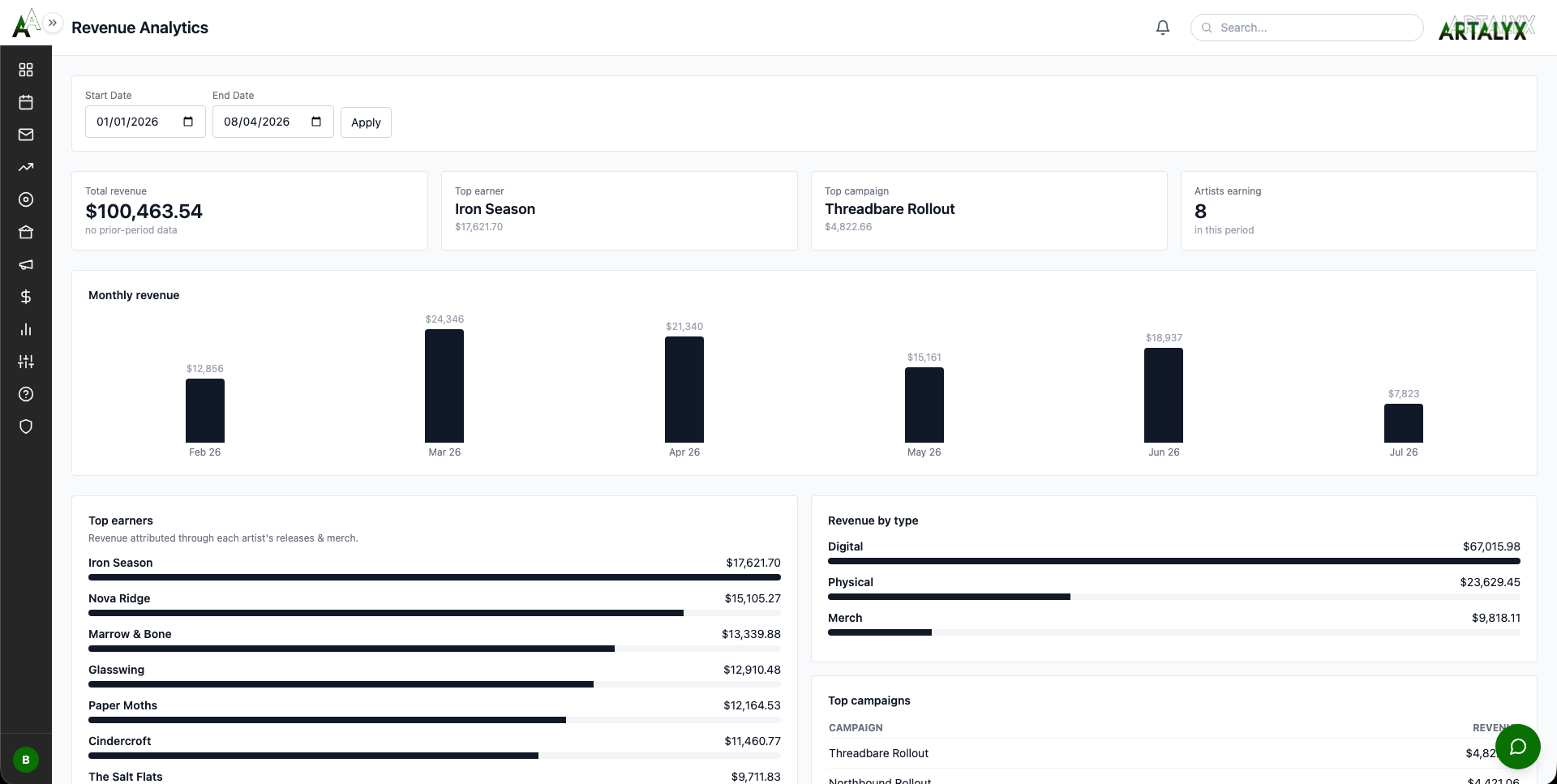
Revenue Tracking
Expense Tracking
Recurring Expenses
Expense to Payment Reminder Task
Merch Manager
Financial Reporting
Pro Tip: Set up recurring expenses for software subscriptions, hosting fees, and studio retainers. With payment reminder tasks enabled, you will never miss an invoice deadline.
13. COMMUNICATIONS HUB ~5 minutes
14. MARKETING HUB ~15 minutes
The Marketing Hub contains all promotional tools beyond email:
Review Requests
Influencer Tracking
Social Analytics
Facebook Groups
Competitors
Milestones
Podcast Bookings
Playlist Submissions
EPKs
Social Posts
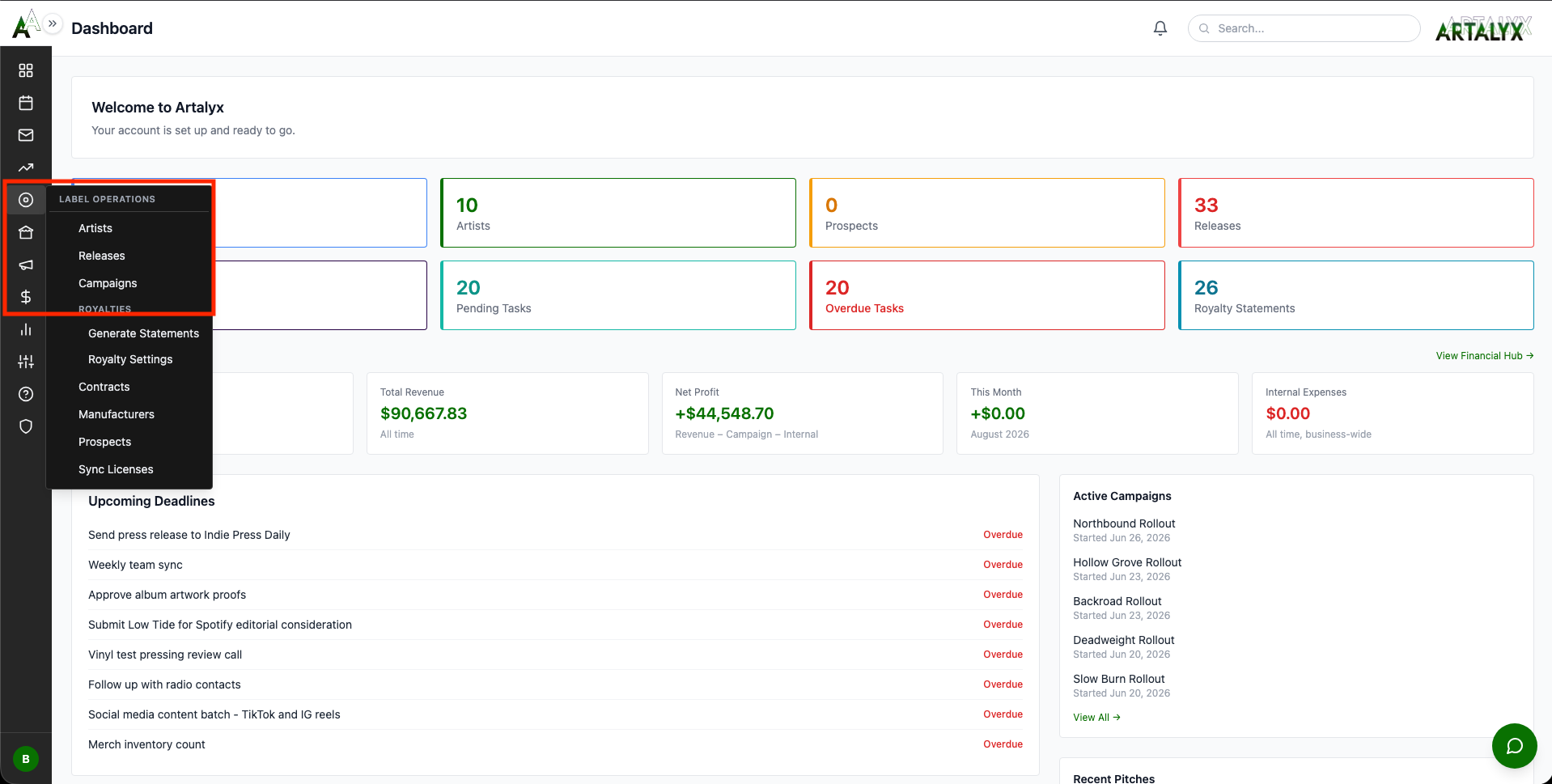
15. LABEL OPERATIONS HUB ~12 minutes
A&R Pipeline (Prospects)
Contract Management
Manufacturing
Sync Licenses
16. LIVE EVENTS HUB ~10 minutes
Venue Database
Tour Management
Complete Business Intelligence
From A&R to tour accounting, every aspect of your music business in one dashboard.
Monthly royalty statement generation (1st of month)
Quarterly financial reviews
Annual contract renewal checks
18. CALENDAR INTEGRATION ~5 minutes
19. REPORTS & ANALYTICS ~10 minutes
13 Comprehensive Reports:
1. Financial Summary
2. Royalty Statements
3. Revenue Analytics
4. Campaign Performance
5. Artist Roster
6. Catalog Health
7. Release Timeline
8. Press Coverage
9. Radio Airplay
10. Payout History
11. Advances & Recoupment
12. A&R Pipeline
13. Task Productivity
Catalog Health and Advances & Recoupment are audit/ledger views by design and do not export to CSV. Individual royalty statements can be downloaded as a PDF, but reports themselves do not have a PDF option.
20. IMPORT/EXPORT ~8 minutes
Importing Data
Exporting Data
Sample Data
21. USER ROLES & CLIENT PORTAL ~10 minutes
3 User Roles:
Client Portal (Separate From the 3 Roles Above)
Setting Up Artist Client Portal Access:
Client Portal is included at every tier, including Free. What scales with your plan is capacity (team seats, artists, etc.), not access to this feature.
22. ADVANCED FEATURES ~8 minutes
Explore Advanced Capabilities:
You Have Mastered Artalyx!
Ready to transform your music business? Start free today.